Application case study · Classroom platform
KaSkwela
Designing and building a classroom-first learning platform.
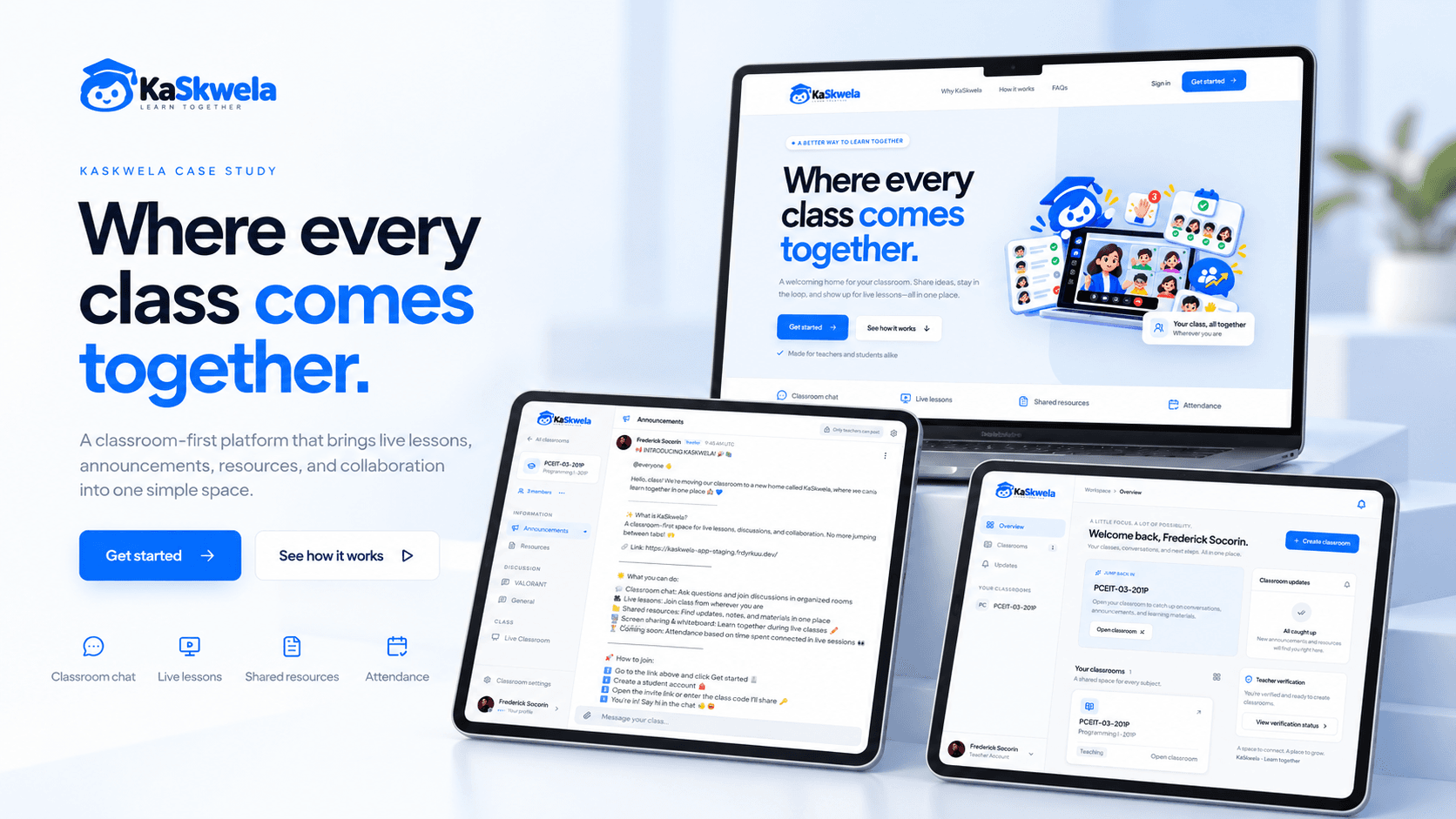
A classroom-first application bringing announcements, resources, discussions, and live teaching into one workspace. I designed and developed the product around teacher permissions, student participation, and the journey from preparing a lesson to reviewing attendance.
- My role
- Solo designer and developer
- Stage
- In-development beta
- Intended audience
- Teachers, students, and platform administrators
- Scope
- Product planning, interface design, architecture, and full-stack development
On this page
Project status and evidence
This study draws on the project's design and engineering documentation. Documented implementation is distinct from independently verified provider integration or release acceptance. No adoption figures or measured user outcomes are claimed.
The classroom is the starting point.
I designed and developed KaSkwela around a complete classroom journey: helping a teacher prepare and teach a lesson, and helping students join and participate. The application brings classroom communication, learning resources, live teaching, controlled speaking, a collaborative whiteboard, and participation-based attendance into one workspace.
Rather than building a general-purpose community platform or a full learning management system, I focused the product on activities that directly support teaching. The current documentation describes implementation through the core classroom phases, while provider integration, device acceptance, and release hardening remain ongoing.
One coherent journey, with deliberate boundaries.
The central product question was how to keep communication, teaching, participation, and attendance coherent without making the classroom unnecessarily complex. A lesson needs a clear preparation, participation, and review flow, with permissions that reflect different responsibilities.
These priorities come from the product specification, not a claimed interview or survey study. The MVP deliberately excludes a full gradebook, payments, parent portals, public community discovery, student direct messages, automated proctoring, and face-recognition attendance.
- Classroom organization
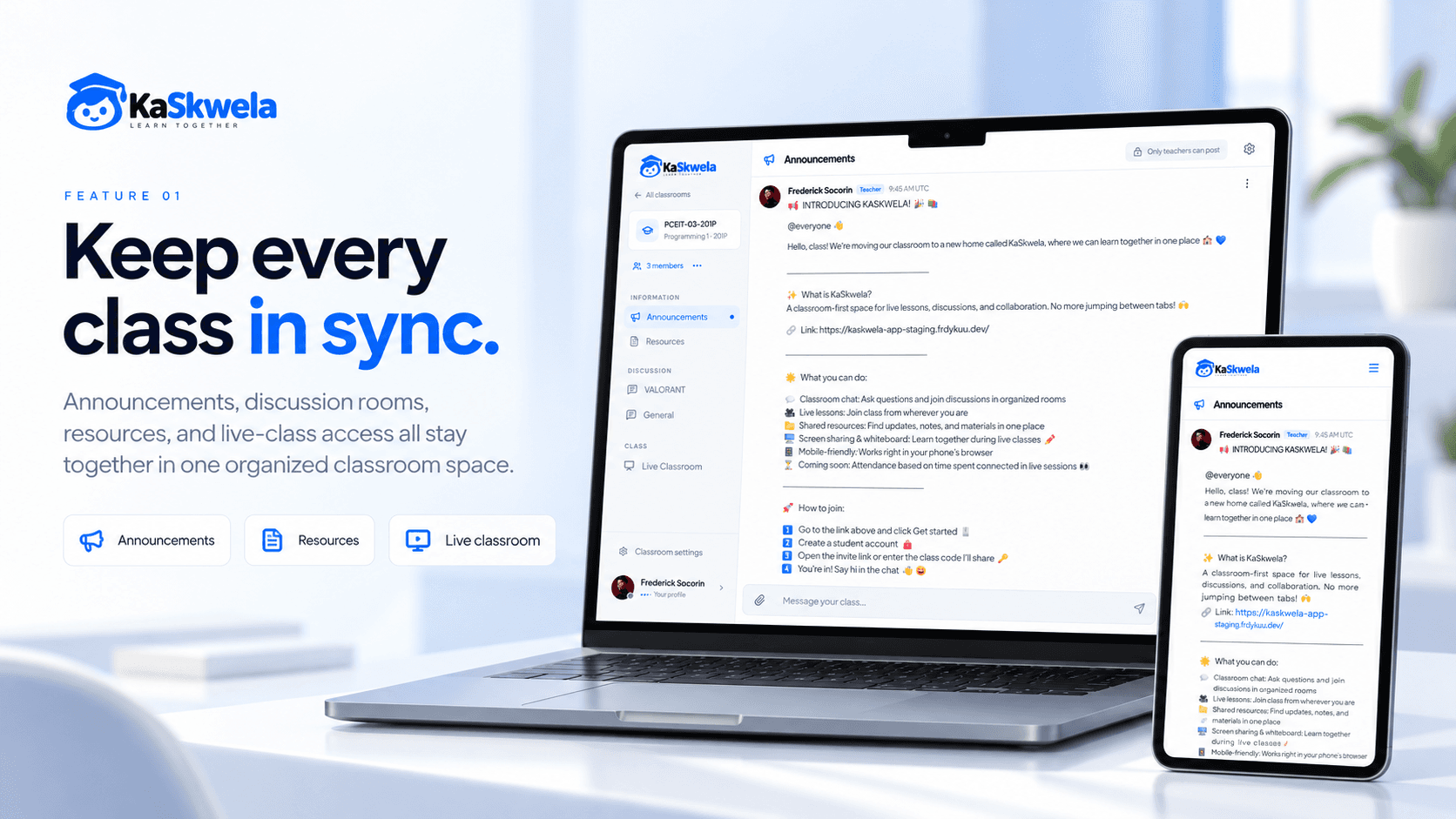
- Keep announcements, resources, discussions, and live lessons within a shared classroom, with purpose-based rooms.
- Trust and participation
- Establish teacher verification and ownership before sensitive actions, while letting students request to speak during lessons.
- Mobile participation
- Support joining, reading, discussing, and attending on a phone through intentional navigation rather than compressed desktop screens.
From product decisions to system boundaries.
As the solo designer and developer, I worked across product planning, interface design, architecture, and full-stack development. I translated the classroom workflow into role-aware screens and defined the boundaries between persistent records, realtime events, live media, and collaborative drawing.
My development approach favors complete vertical slices. A feature connects the interface, validation, authorization, persistence, success and error feedback, and meaningful verification before its scope expands. Changes to a permission or contract also need corresponding documentation updates.
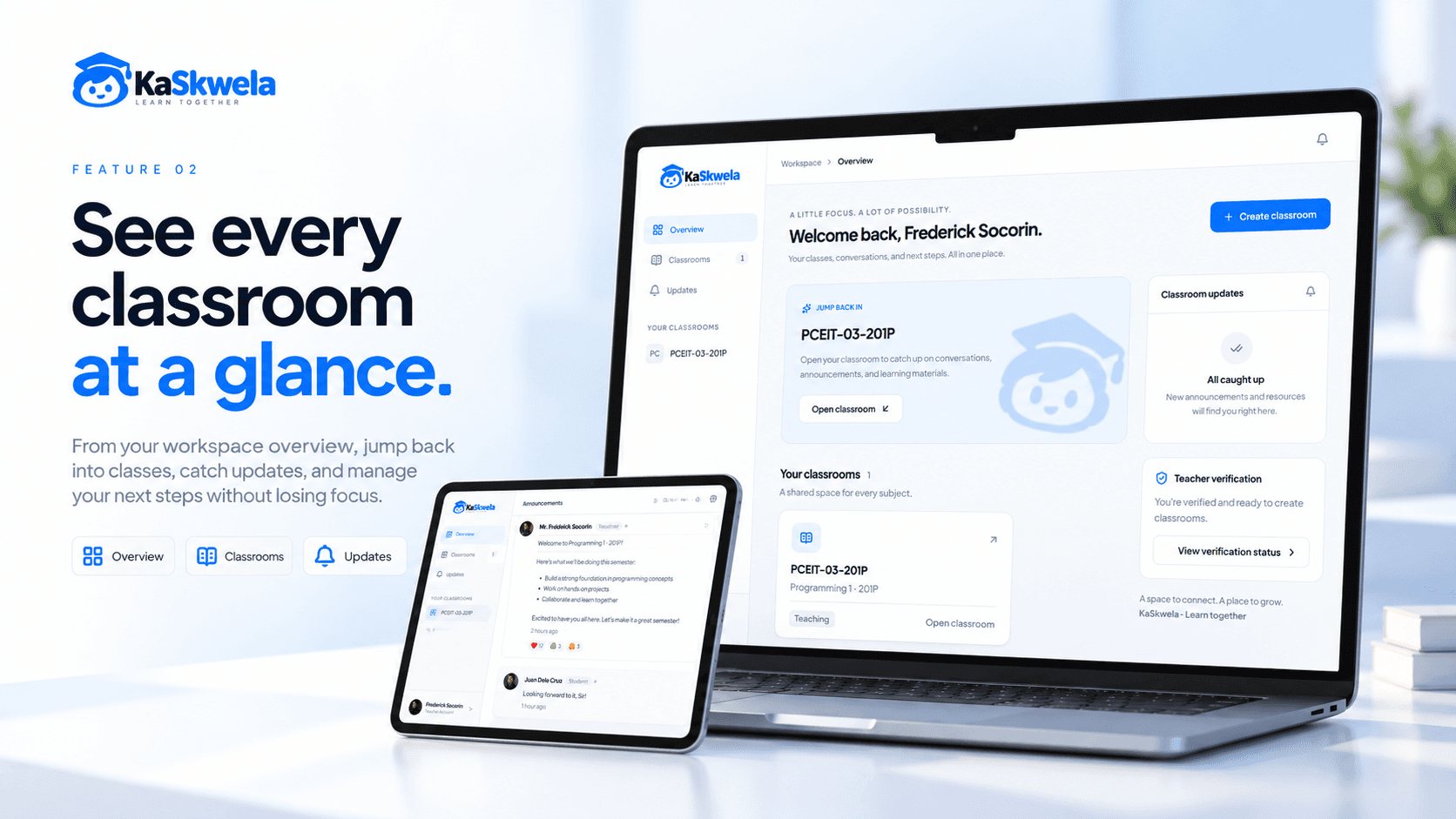
The visual direction is friendly and academic: blue accents and light everyday workspaces, with darker presentation surfaces for live teaching. On desktop, grouped room navigation provides context; on mobile, a single main pane and drawers or sheets keep the task readable.
Prepare. Participate. Review.
The classroom loop begins with trust. Teachers verify their email and submit private verification evidence before creating a classroom. Students enter through an invite and a validated membership operation. Platform role and classroom membership remain separate: an administrator does not automatically receive teacher controls.
During a lesson, students subscribe to media by default. Raising a hand requests permission; the teacher grants or revokes microphone publishing, and the student still chooses whether to turn their microphone on. The shared whiteboard has teacher-only, collaborative, and read-only modes.
- Prepare a classroom
- Create the classroom and default rooms, share an invitation, and publish announcements and private learning resources.
- Teach and participate
- Discuss in chat, start a live lesson, present on supported browsers, manage raised hands, and use a session-scoped whiteboard.
- Review participation
- End the lesson and review attendance derived from connected time, with reasoned, audited teacher overrides where needed.
Different realtime problems need different systems.
Next.js, React, and TypeScript support the application interface and protected operations. Better Auth establishes identity, while Prisma and Neon PostgreSQL hold persistent classroom records. Socket.IO and Redis handle realtime coordination, LiveKit transports media and enforces publishing capabilities, tldraw synchronizes drawing, and private S3-compatible storage holds files.
The architecture separates workloads by their needs. High-frequency drawing should not compete with chat events, media transport should not become the durable attendance record, and a failure in an optional subsystem should not block unrelated classroom actions.
- Persist before broadcasting
- Chat follows validation, authorization, persistence, then broadcast. Stable message identifiers support retries without treating provisional optimistic UI as a confirmed record.
- Authorize where the action happens
- Protected pages are only one boundary. Domain operations and realtime handlers also check current identity, membership, ownership, role, and feature state.
- Derive attendance from intervals
- Signed provider events, deduplication, and connection pairing reconcile reconnects and overlapping connections before duration is calculated. Socket presence alone is not attendance evidence.
- Make the whiteboard lifecycle explicit
- Drawings are temporary and session-scoped. That simplifies the teaching canvas but trades away saved history and recovery after a realtime-process restart.
Implementation and acceptance are separate milestones.
The documentation describes substantial progress across the classroom workflow. It does not establish a fully accepted MVP, production uptime, measured performance gains, or user impact. Actual services and devices are still needed to validate the behavior described by the implementation notes.
The verification strategy prioritizes teacher gates, invitation integrity, message retries, actual media permission changes, attendance event replay, private resource access, and whiteboard modes. Mocked providers or skipped credential-dependent suites cannot establish real-service acceptance.
- Documented implementation
- Accounts and teacher verification; classrooms and invitations; announcements, resources, and chat; live participation; attendance; and a temporary collaborative whiteboard.
- Pending acceptance
- Provider round trips, multi-browser collaboration, phone and virtual-keyboard behavior, recovery, privacy operations, and comprehensive accessibility review.
- Roadmap
- Offline shell, install and push completion, source-grounded AI assistance, load and recovery testing, monitoring, and broader production hardening.
Permissions are part of the experience.
KaSkwela reinforced that permissions are part of the product experience, not just backend rules. Teacher verification, classroom ownership, and student participation influence both the interface and the systems beneath it. A complete preparation-to-review flow matters more than a long list of disconnected features.
The next milestone is validating the complete classroom loop with actual services and devices, closing operational and recovery gaps, and completing the PWA foundation. Optional AI assistance comes after classroom stability, with source grounding and access isolation.
Technologies used
- Next.js
- React
- TypeScript
- Tailwind CSS
- shadcn/ui
- Better Auth
- Prisma
- Neon PostgreSQL
- Socket.IO
- Redis
- LiveKit
- tldraw
- S3-compatible storage